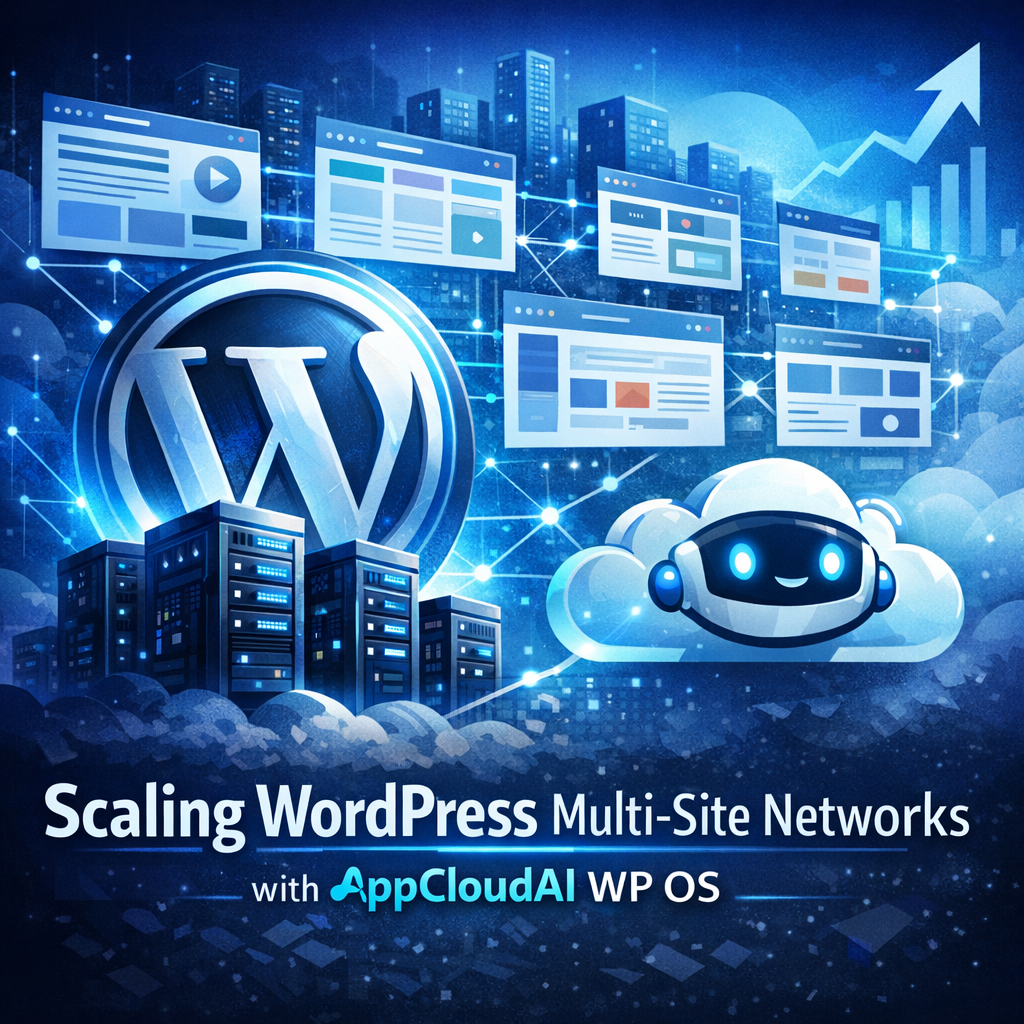
Scaling Multi-Site WordPress Networks with AppCloudAI WP OS
Scaling Multi-Site WordPress Networks With AppCloudAI WP OS
In today’s digital landscape, managing multiple websites efficiently and effectively is a crucial requirement for businesses, educational institutions, and various organizations. WordPress, with its robust multi-site capabilities, has long been a favorite for administrators who need to handle several sites under a single umbrella. However, as networks grow, the complexity of managing performance, security, and resource allocation surges exponentially. This is where AppCloudAI WP OS comes into play, providing a streamlined, scalable solution for managing expansive WordPress networks.
Understanding WordPress Multi-Site
WordPress Multi-Site is a feature that allows users to create a network of sites on a single WordPress installation. This feature makes it possible to manage multiple sites from one dashboard, which can significantly simplify the responsibilities of website administrators. However, the challenges of scaling such as site speed, data integrity, backups, and overall network health can become overwhelming as more sites are added to the network.

Key Challenges of Scaling:
- Resource Allocation: Ensuring each site has adequate resources without affecting the performance of others.
- Security: Keeping the entire network secure from attacks that could potentially impact multiple sites at once.
- Updates and Maintenance: Handling updates and maintenance without disrupting service across the network.
Introduction to AppCloudAI WP OS
AppCloudAI WP OS is designed specifically to address the needs of large-scale WordPress multi-site networks. It optimizes the underlying infrastructure to ensure high performance, security, and scalability. Equipped with AI-driven tools and an intuitive management dashboard, AppCloudAI WP OS makes it easier than ever to deploy, manage, and scale WordPress sites efficiently.
Key Features:
- AI-Powered Load Balancing: Dynamically allocates resources to sites based on real-time demand using advanced AI algorithms.
- Enhanced Security Protocols: Features state-of-the-art security measures to protect against the latest online threats.
- Automated Backups: Integrates seamless, automated backup solutions to ensure data integrity across all sites.
Benefits of Using AppCloudAI WP OS for Multi-Site Networks
AppCloudAI WP OS not only simplifies the management of massive WordPress networks but also brings a host of benefits that are crucial for reliable and efficient performance.

Streamlined Management
With AppCloudAI WP OS, administrators can manage hundreds of sites through a single interface, reducing the complexity and time needed for everyday tasks such as updates, plugin management, and user administration.

Enhanced Performance
Thanks to its AI-powered load balancing and resource optimization features, AppCloudAI WP OS ensures that all sites on the network run smoothly, even under heavy load conditions. This is crucial for networks where traffic patterns can be unpredictable and vary significantly from site to site.
Robust Security
The platform’s advanced security features safeguard the entire network by preemptively identifying and mitigating potential threats before they can cause harm. This is increasingly important as the network scales and becomes a more tempting target for cyber attackers.
Cost Efficiency
By optimizing resource usage and streamlining administration tasks, AppCloudAI WP OS can significantly reduce operational costs associated with running a multi-site network.
Implementing AppCloudAI WP OS in Your WordPress Network
Transitioning to AppCloudAI WP OS is designed to be as smooth as possible, regardless of the size of your WordPress network. Here’s a basic outline of the steps involved:
Step 1: Initial Assessment
Conduct a thorough review of your existing WordPress network to determine the specific needs and potential challenges that need addressing.
Step 2: Planning and Strategy
Create a comprehensive implementation plan that includes timelines, expected downtime (if any), and necessary resources.
Step 3: Migration
Migrate your existing network to AppCloudAI WP OS. This process is typically handled by the AppCloudAI technical team to ensure a seamless transition.
Step 4: Optimization
Once the network is live, use AppCloudAI WP OS tools to optimize site performance, security settings, and resource allocation.
Step 5: Continuous Monitoring and Maintenance
Utilize the platform’s dashboard and AI-driven analytics tools to continuously monitor network health and make adjustments as needed.
Real-World Examples
To illustrate the effectiveness of AppCloudAI WP OS, let’s consider a couple of hypothetical scenarios:
Example 1: Educational Institution
A university with over 200 departmental websites was struggling with site performance and frequent downtime. After migrating to AppCloudAI WP OS, they noticed a 50% reduction in load times and a significant decrease in both downtime and security incidents.
Example 2: E-commerce Conglomerate
An e-commerce company managing multiple brand websites needed a solution that could handle high traffic loads especially during peak shopping seasons. Post migration to AppCloudAI WP OS, they managed to scale their operations during high demand periods without any loss of performance.
Conclusion
Scaling a multi-site WordPress network doesn’t need to be a daunting challenge fraught with technical hurdles and logistical headaches. With AppCloudAI WP OS, businesses and organizations can leverage powerful AI tools and an optimized platform to ensure their networks are not only manageable but primed for growth and resilience against threats. Whether you are managing tens or hundreds of sites, AppCloudAI WP OS is a solution that adapts to the complexities of your network, allowing you to focus more on strategic goals rather than technical maintenance.