
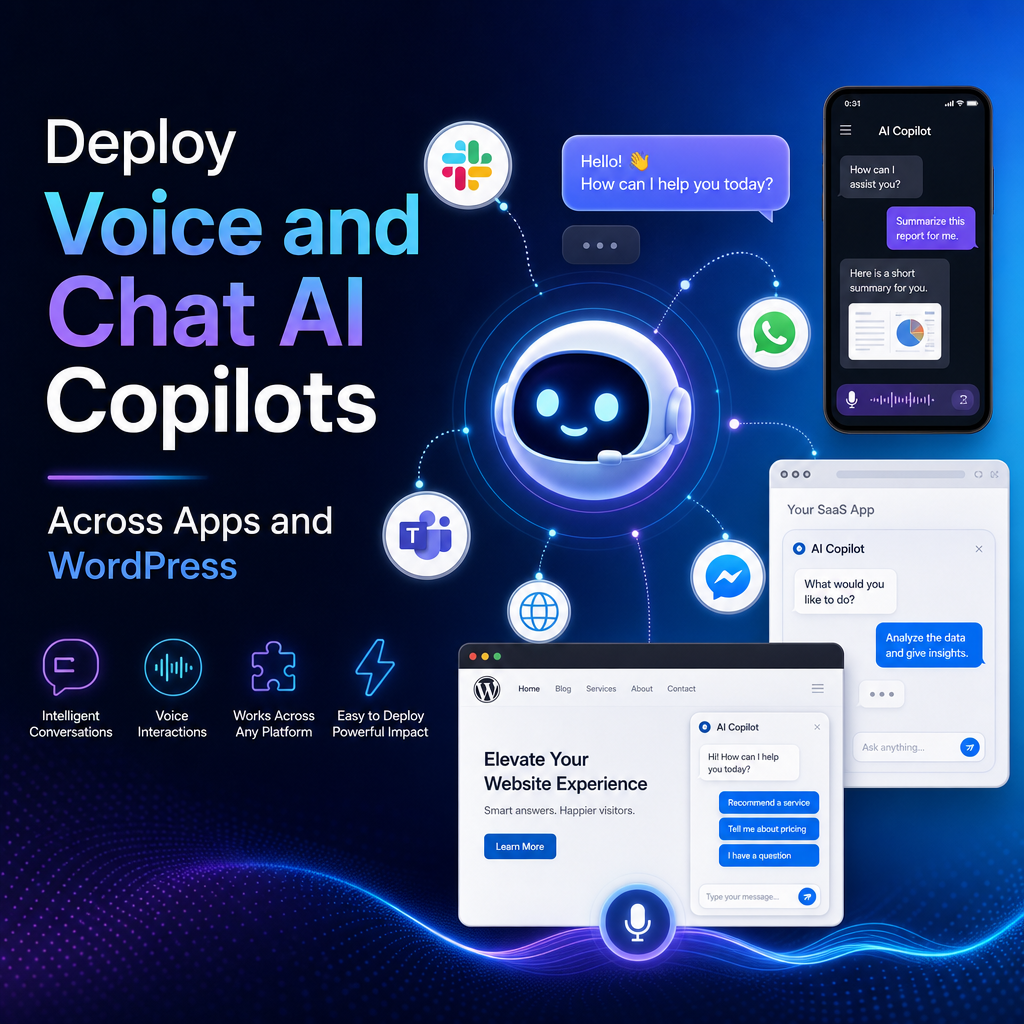
Deploy Voice and Chat AI Copilots Across Apps and WordPress
Deploying Voice & Chat AI Copilots Across Your Apps and WordPress Sites
Voice and chat interfaces are quickly becoming a practical layer on top of digital products. Instead of forcing users to click through menus, search help centers, or submit support tickets, AI copilots can answer questions, guide actions, and complete tasks in real time.
For businesses that run both custom apps and WordPress sites, the opportunity is even bigger. A single AI copilot strategy can improve customer support, lead generation, onboarding, and internal workflows across every touchpoint.

Why AI Copilots Matter Across Multiple Platforms
Many companies treat each website or app as a separate experience. That often leads to duplicated support content, inconsistent messaging, and disconnected customer journeys.
Deploying voice and chat AI copilots across your apps and WordPress sites helps solve that problem by creating a more unified experience.

Key benefits include:

- 24/7 assistance for customers and teams
- Faster answers without navigating complex interfaces
- Higher conversion rates through guided interactions
- Lower support volume for repetitive questions
- Consistent brand voice across channels
- Scalable knowledge delivery from one central source
A visitor might discover your brand on a WordPress site, ask product questions through chat, then continue the journey inside your mobile or web app. A well-designed copilot keeps that experience seamless.
Start With Use Cases, Not Just Technology
Before choosing a model or plugin, define what the copilot should actually do.
Common Website Use Cases
On WordPress sites, AI copilots are often used for:
- Answering FAQs
- Recommending services or products
- Capturing and qualifying leads
- Booking demos or appointments
- Helping users find the right content
- Supporting multilingual visitors
Common App Use Cases
Inside apps, copilots can go further by assisting with actions, not just answers:
- Onboarding new users
- Explaining features in context
- Surfacing account information
- Completing repetitive tasks
- Handling internal knowledge requests
- Supporting voice-based workflows
The best deployments focus on a few high-value outcomes first, then expand from there.
Build a Shared Knowledge Foundation
A copilot is only as useful as the information it can access. If your apps and WordPress sites all pull from different content sources, users will quickly notice gaps and contradictions.
Create a shared knowledge foundation by combining:
- Product documentation
- Help center articles
- Sales and onboarding materials
- Policy pages
- Internal process documentation
- Structured business data from your apps or CRM
This does not mean every system needs to be merged into one database. It means your AI layer should be able to retrieve trusted information from approved sources and deliver it consistently.
For WordPress, this may include posts, pages, custom post types, and WooCommerce data. For apps, it may include APIs, user account data, and workflow-specific knowledge.
Voice and Chat Need Different Design Thinking
It is tempting to use the same logic for both voice and chat, but each interface has different strengths.
Chat AI Copilots
Chat works well when users want:
- Detailed answers
- Links and citations
- Step-by-step guidance
- Visual options and buttons
- Persistent conversation history
Chat is ideal for WordPress landing pages, support portals, SaaS dashboards, and ecommerce stores.
Voice AI Copilots
Voice works best when speed and convenience matter most:
- Mobile app interactions
- Accessibility support
- Hands-free task execution
- Call deflection and phone automation
- Fast internal workflows
Voice requires shorter responses, clearer turn-taking, and stronger error handling. A spoken answer that sounds fine in text may feel too long or confusing out loud.
WordPress Deployment Best Practices
WordPress is often the easiest place to launch an AI copilot, but it still needs planning.
Focus on Placement
Where you place the copilot matters. Common locations include:
- Homepage or service pages
- Pricing pages
- Help center
- Member portals
- Checkout or lead capture flows
Do not drop the same generic assistant everywhere. Tailor prompts, welcome messages, and suggested questions to the page context.
Keep Performance in Mind
Heavy scripts and poorly optimized integrations can slow down your site. Choose lightweight implementations, lazy-load where possible, and test the effect on Core Web Vitals.
Connect to Real Business Actions
A chat window that only gives generic answers has limited value. Connect the assistant to forms, calendars, CRMs, ecommerce data, and support tools so it can move users toward real outcomes.
Governance, Security, and Human Handoffs
As you deploy AI copilots across more channels, governance becomes essential.
Set clear rules around:
- Approved data sources
- Sensitive information handling
- Role-based access
- Logging and analytics
- Escalation to human support
- Content review and updates
Users should know when they are speaking with AI, and there should always be an easy path to a human when needed. This is especially important for billing issues, legal questions, or complex support cases.
Measure What Actually Improves
Successful deployment is not just about launching a bot. It is about proving business value.
Track metrics such as:
- Engagement rate
- Resolution rate
- Lead conversion rate
- Ticket deflection
- Time to answer
- User satisfaction
- Task completion rate
For apps, also monitor retention and feature adoption. For WordPress sites, watch bounce rate, form completions, and assisted conversions.
A Practical Rollout Strategy
The smartest approach is usually phased:
- Launch on one high-traffic WordPress page
- Train on a limited, trusted knowledge set
- Measure common questions and gaps
- Expand into customer portals or web apps
- Add voice where hands-free or speed matters
- Continuously refine prompts, actions, and guardrails
This approach reduces risk while helping teams learn what users actually need.
Final Thoughts
Deploying voice and chat AI copilots across your apps and WordPress sites is no longer just an experimental idea. It is becoming a practical way to unify support, improve engagement, and create smoother digital experiences.
The companies that benefit most are not the ones with the flashiest demos. They are the ones that start with clear use cases, trusted knowledge, strong integrations, and measurable goals.
When done well, an AI copilot becomes more than a widget. It becomes a useful interface layer that helps people get answers, take action, and move forward faster.
