
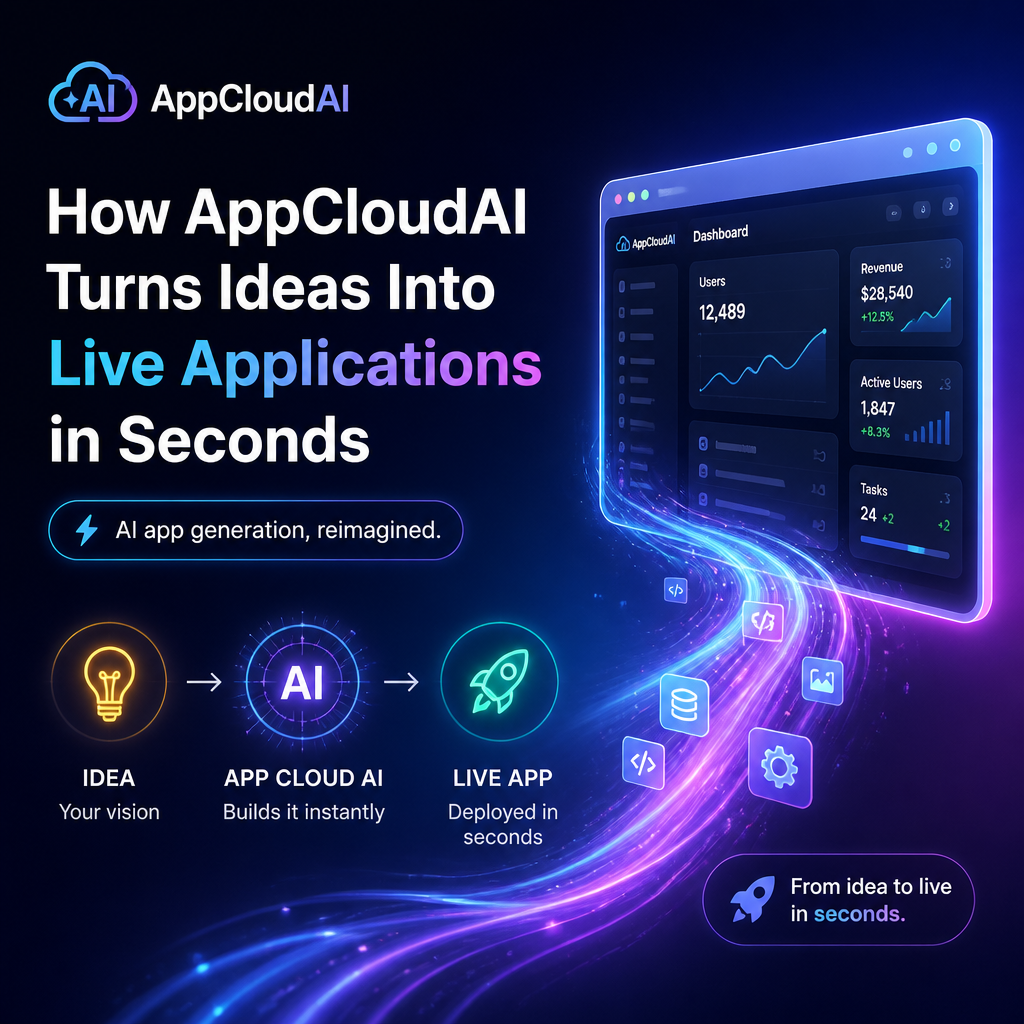
How AppCloudAI Turns Ideas Into Live Applications in Seconds
How AppCloudAI Turns Ideas into Live Applications in Seconds
A promising app idea can take weeks to become something people can actually try. Planning, design, coding, testing, and deployment all demand time and expertise. AppCloudAI aims to shorten that journey by turning a plain-language description into a working application—often fast enough to see an initial version in seconds.
The goal is not simply to generate code. It is to help people move from “What if?” to a clickable experience they can review, refine, and share.

From a Simple Prompt to a Working App
Getting started can be as straightforward as describing what the app should do. For example, a user might ask for a booking tool where customers choose a service, select an available time, and submit their contact details.
AppCloudAI can interpret that request and use it as a blueprint for an initial application. Rather than beginning with a blank screen, users can start with a generated structure that reflects the idea’s core purpose.

A typical process may include:

- Describe the idea. Explain the app’s audience, main goal, and essential functions.
- Generate an initial version. AppCloudAI creates a starting point based on the description.
- Review the experience. Explore the screens and see whether the app makes sense in practice.
- Refine the details. Adjust the layout, wording, or functionality to better fit the use case.
- Prepare to share. Make the application available for testing or launch, depending on the project and platform.
This approach can make the first version feel less like a technical hurdle and more like a conversation: describe what is missing, then improve the result.
Why Speed Matters
Fast creation is useful because ideas are difficult to evaluate in the abstract. A written plan can sound compelling while hiding confusing steps, missing features, or a mismatch between the concept and what users actually need.
A live prototype makes those issues easier to spot. A small business owner can test a customer intake flow. A startup team can show an early product concept to potential users. A teacher can explore whether a classroom tool is easy to navigate.
The quick feedback loop can help teams:
- Test assumptions before committing to a large build
- Compare different versions of an idea
- Gather feedback from people outside the development team
- Demonstrate a concept to clients, partners, or stakeholders
- Spend less time setting up a project from scratch
The advantage is not speed alone. It is the chance to learn earlier, when changes are often less costly.
Useful for More Than Developers
Traditional app development can require coordination among designers, developers, project managers, and business stakeholders. That process remains important for complex products, but it can make early experimentation difficult for individuals and smaller teams.
AppCloudAI can help make the initial creation process more accessible. A founder may be able to describe a workflow without first translating every detail into technical specifications. A marketer might prototype a campaign tool. An operations team could explore a simple internal app for tracking requests.
People with development experience may also use AI-generated starting points to accelerate routine work. Instead of treating the output as a finished product, they can inspect it, adapt it, and build on it.
A Fast Start Still Needs Careful Review
Creating an application quickly does not automatically make it ready for every real-world use. The generated version should be tested against its intended purpose, especially if it handles customer information, payments, sensitive records, or important business processes.
Before relying on an app, check that:
- The main workflows function as expected
- Instructions and labels are clear to users
- The application works on relevant devices and screen sizes
- Data is handled appropriately for the use case
- Any integrations behave reliably
- The app meets applicable security, privacy, and accessibility needs
For a prototype, a rough edge may be acceptable. For a production application, careful testing and ongoing maintenance remain essential.
Turning Momentum into Progress
The most effective way to use AppCloudAI is to begin with a focused idea. Describe the problem, identify who the app is for, and list only the most important actions users should be able to take. A clear prompt gives the system a stronger starting point and makes the first version easier to evaluate.
From there, treat the generated application as a draft. Test it with real users, note where they hesitate, and refine the experience based on what you learn.
AppCloudAI can help compress the distance between an idea and an interactive application. By making it faster to create and revise early versions, it gives people more opportunities to test possibilities—and turn promising concepts into practical products.
