What Is Vibe Coding? A Beginner’s Guide to AI-Powered Programming
What Is Vibe Coding?
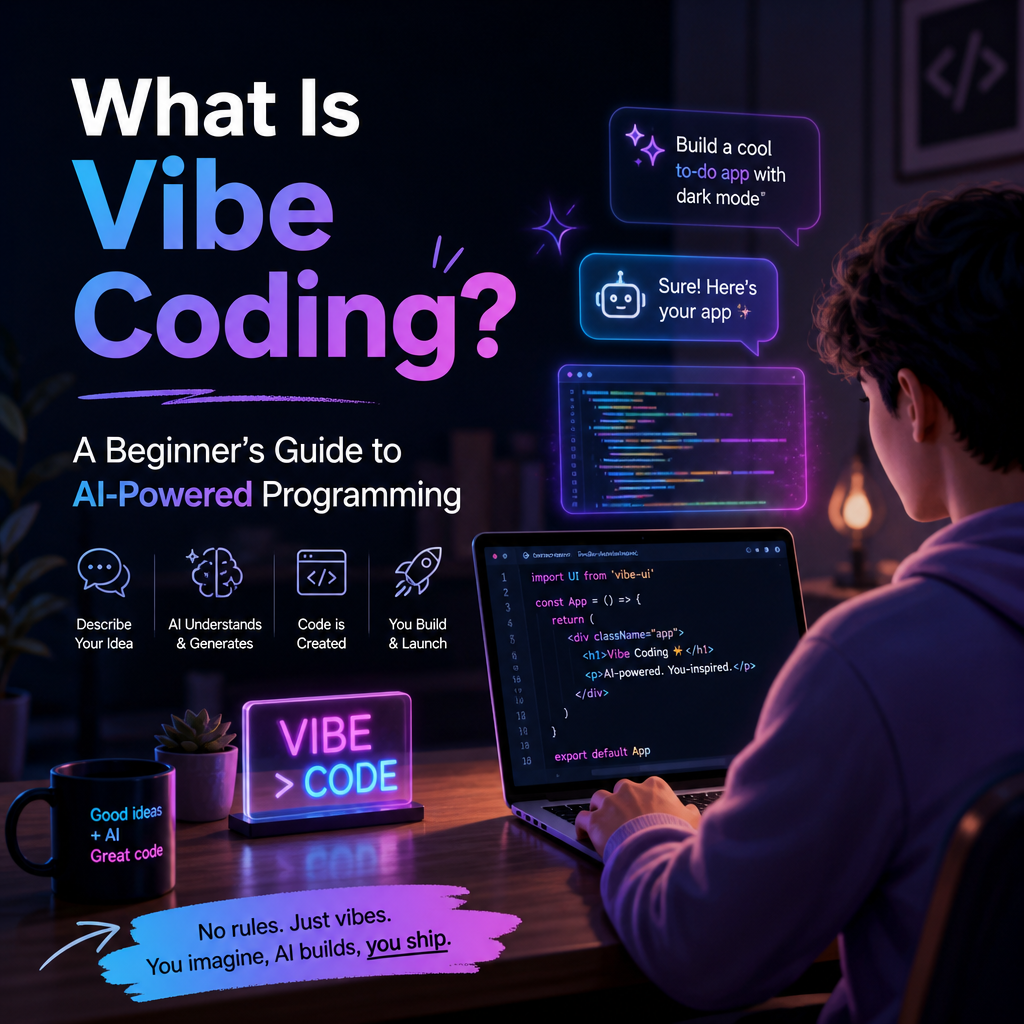
Vibe coding is a way of building software by describing what you want in everyday language and letting an AI tool generate much of the code. Instead of writing every line yourself, you explain an idea, review the result, and ask for changes until the software behaves as intended.
The term was popularized in 2025 by computer scientist Andrej Karpathy. It captures a style of development in which the creator focuses on the product’s behavior and overall direction—the “vibe”—rather than closely managing every implementation detail.

That does not mean coding knowledge is useless. It means the process can begin with a conversation rather than a blank editor.
How Vibe Coding Works
A typical vibe-coding session follows a simple loop:

- Describe the project. For example: “Build a personal budget tracker with a monthly spending chart.”
- Let an AI generate a first version. The tool may create an interface, write code, or set up basic functionality.
- Try it out. Run the app and see what works, what breaks, and what feels wrong.
- Give the AI more instructions. Ask it to adjust the layout, fix an error, or add a feature.
- Repeat. Continue testing and refining until the result is useful.
This approach is often supported by AI chatbots, coding assistants, and development environments that can read and edit files. Some tools also run code or inspect errors, which helps the AI suggest fixes.

Why People Use It
Vibe coding can make software creation more approachable. Someone with an idea but limited programming experience may be able to build a prototype without first learning every technical detail. Experienced developers can also use it to move faster on routine tasks or explore possible designs.
Common projects include:
- Small websites and interactive demos
- Personal productivity tools
- Data visualizations
- Prototypes for a business idea
- Scripts that automate repetitive work
The main advantage is speed. A rough version can take shape quickly, making it easier to test an idea and discover what users actually need. The conversational process can also feel more creative than starting with a complex technical setup.
The Risks and Limitations
AI-generated code may look convincing while containing bugs, security weaknesses, or assumptions that do not fit the project. A feature that works in a quick demonstration may fail with real users, unusual inputs, or a larger amount of data.
There is also a maintenance challenge. If you accept changes without understanding the code, it can become difficult to diagnose problems or add features later. The AI may make a quick fix that solves one issue but creates another, especially when it has limited context about the whole project.
Privacy matters, too. Avoid pasting passwords, private customer information, API keys, or confidential business data into tools unless you understand how that information is handled.
For these reasons, vibe coding is not a substitute for testing, security review, or technical expertise when the stakes are high. A prototype for personal use is very different from software that handles payments, medical information, or important business records.
How to Vibe Code More Effectively
A few habits can make the process more reliable:
- Start small. Build one useful feature before asking for a complete product.
- Be specific. Describe who the software is for, what it should do, and what it should not do.
- Test each change. Check the result instead of assuming the AI’s description is accurate.
- Ask for explanations. Request a plain-language summary of important code and decisions.
- Keep versions. Use backups or version control so you can undo changes that cause problems.
- Review sensitive parts. Get qualified help for authentication, payments, data storage, and security.
It also helps to treat AI as a collaborator, not an authority. If something seems unclear, ask the tool to explain its approach or suggest a simpler alternative.
Is Vibe Coding Right for You?
Vibe coding is useful when you want to explore an idea, build a lightweight tool, or create a first draft quickly. It lowers the barrier between imagining software and seeing a working version.
The best results come from combining that speed with careful judgment. AI can produce code, but people still need to define the problem, check the outcome, and decide whether the software is dependable enough to use.